A dashboard that organises your spending at the start of every month, so you have a clear view of where it goes and a record you can go back to.
- Project Type
- Personal Project
- Stack
- ReactTypeScriptPostgreSQLTailwind
- Year
- 2026
- Status
- Live
- Website
- budgettr.com
Case study
- Overview
Budgettr, a personal project I designed and built end to end. It is a monthly spending dashboard in React, TypeScript, PostgreSQL and Tailwind, live in Arabic and English.
- Problem
My own spending was scattered across the month with no single view of it. Tracking expenses meant flipping between notes and bank statements, and a savings goal stayed a guess instead of something I could measure.
- Research
I tried the existing budgeting apps first. None of them handled Arabic and English or SAR the way this needed, and they were built around logging a transaction rather than around the month as a cycle. Once other people started using it, their first screens became the second round of research: what a new account looks like with nothing in it yet.
- Process
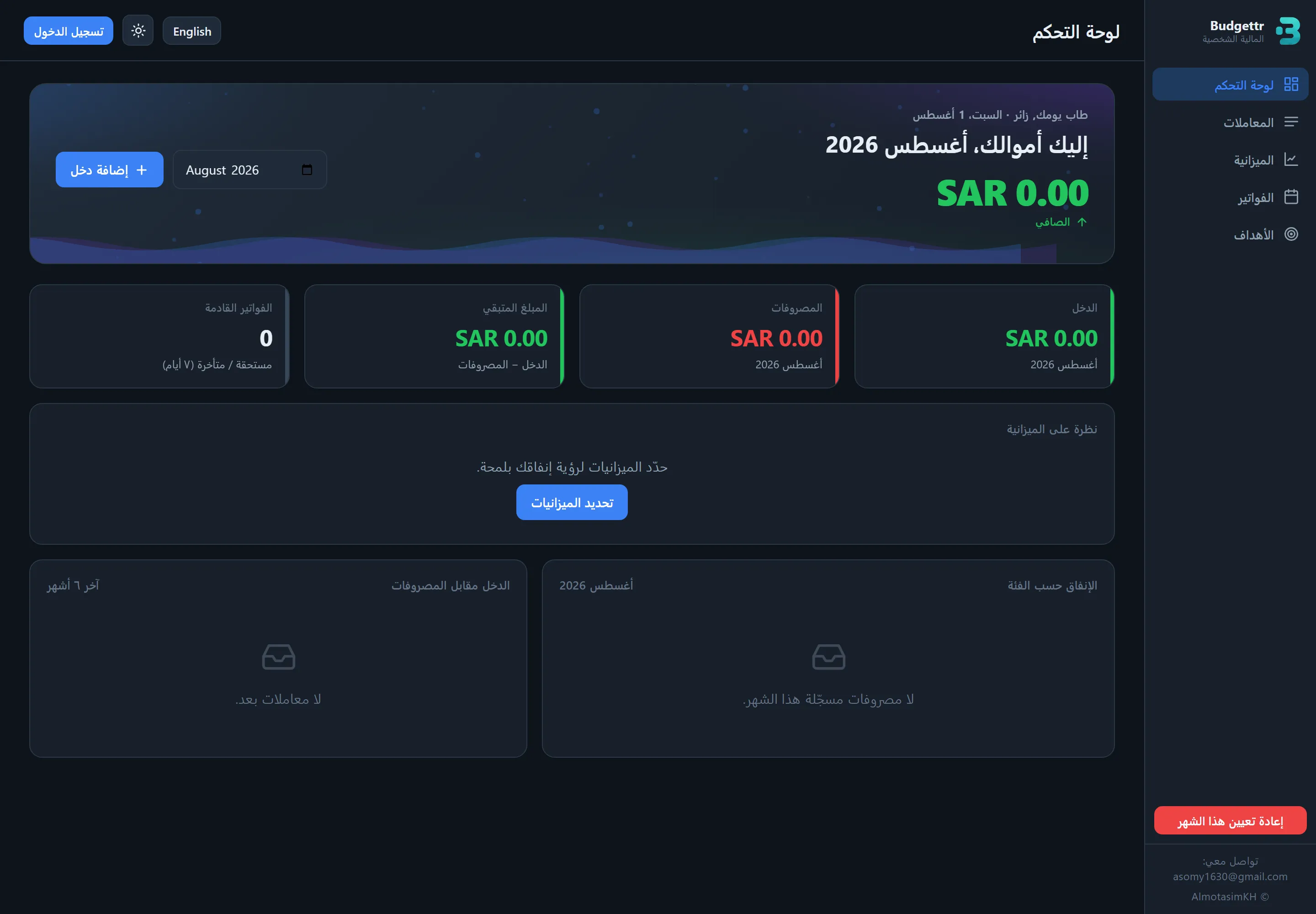
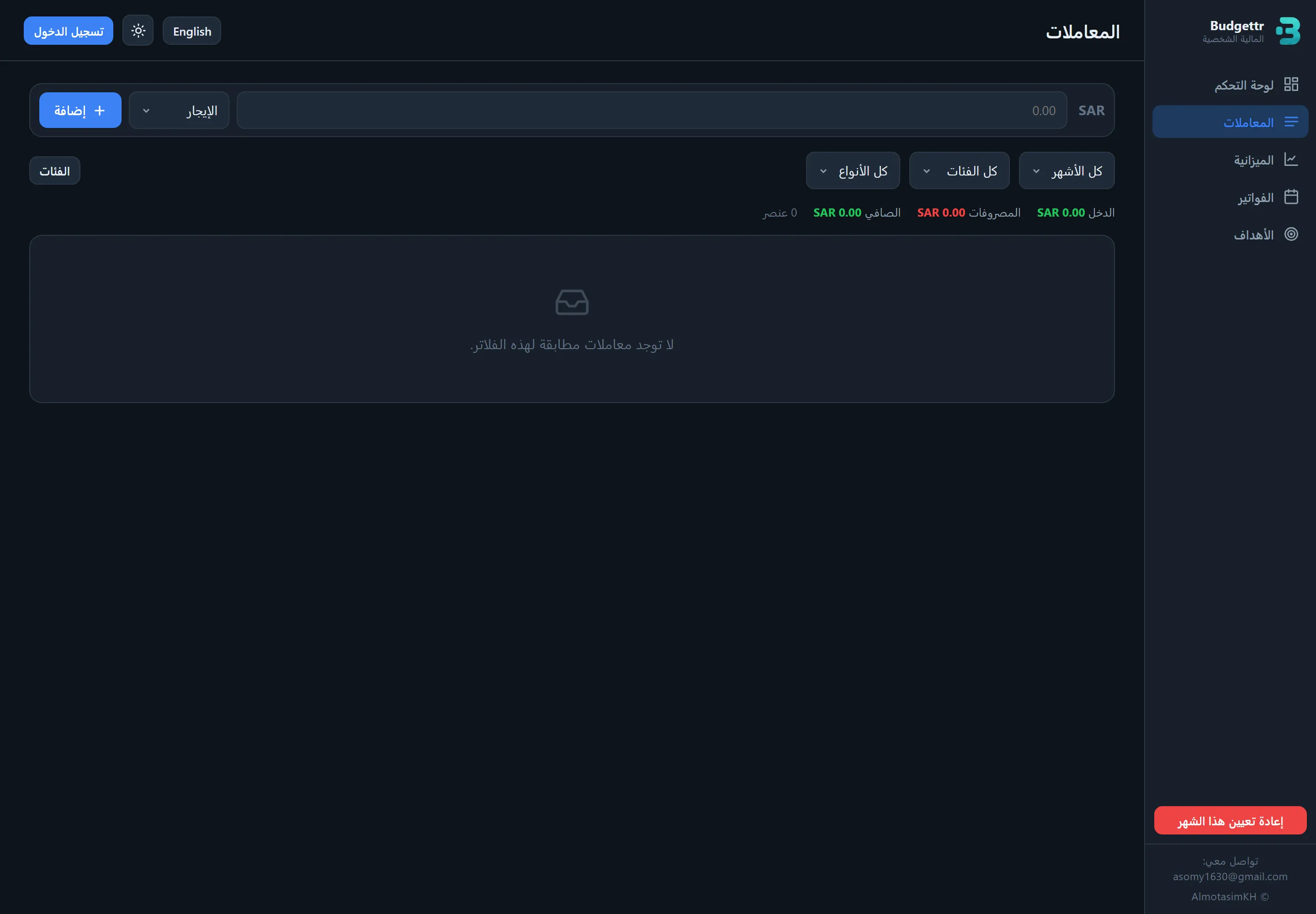
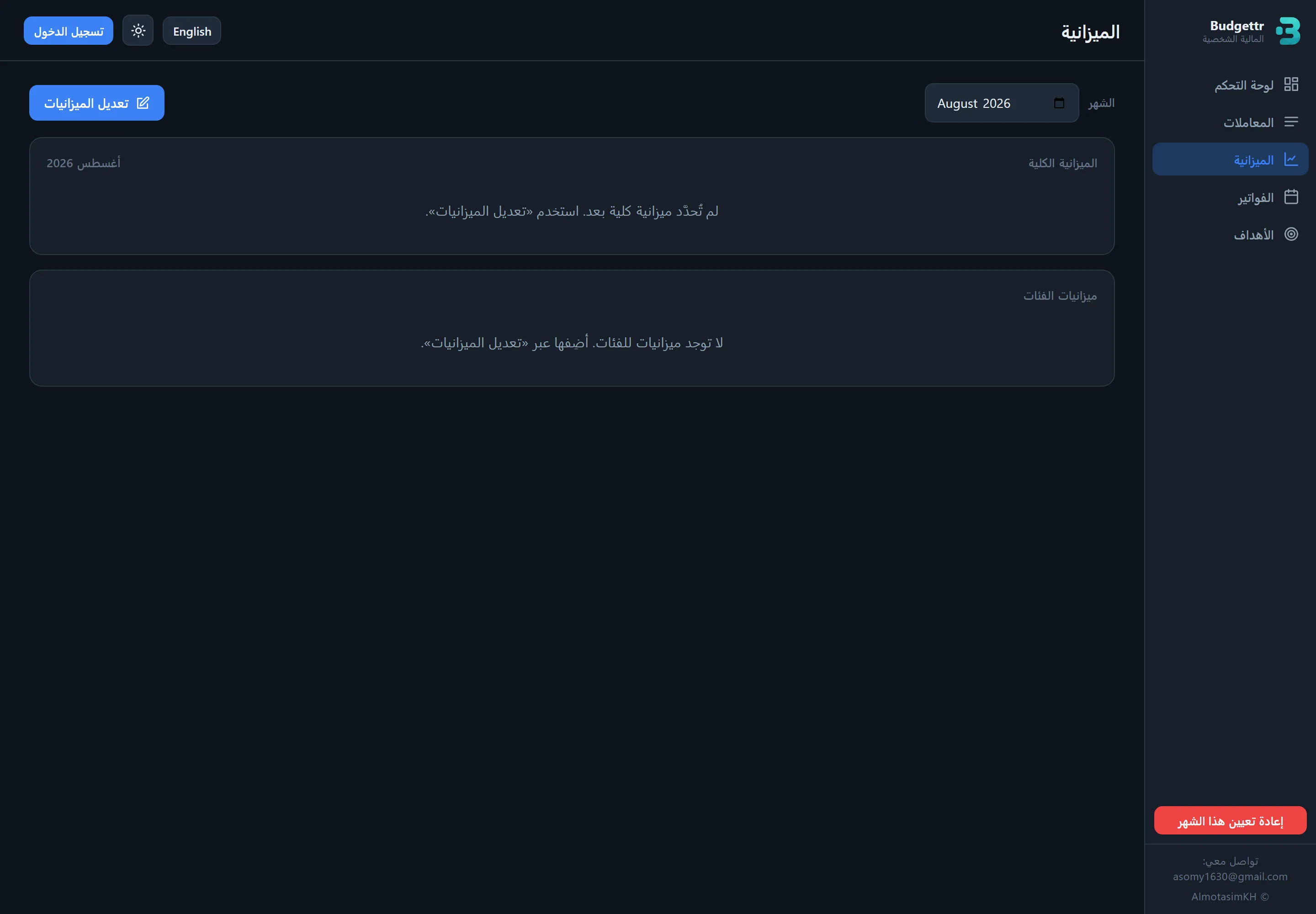
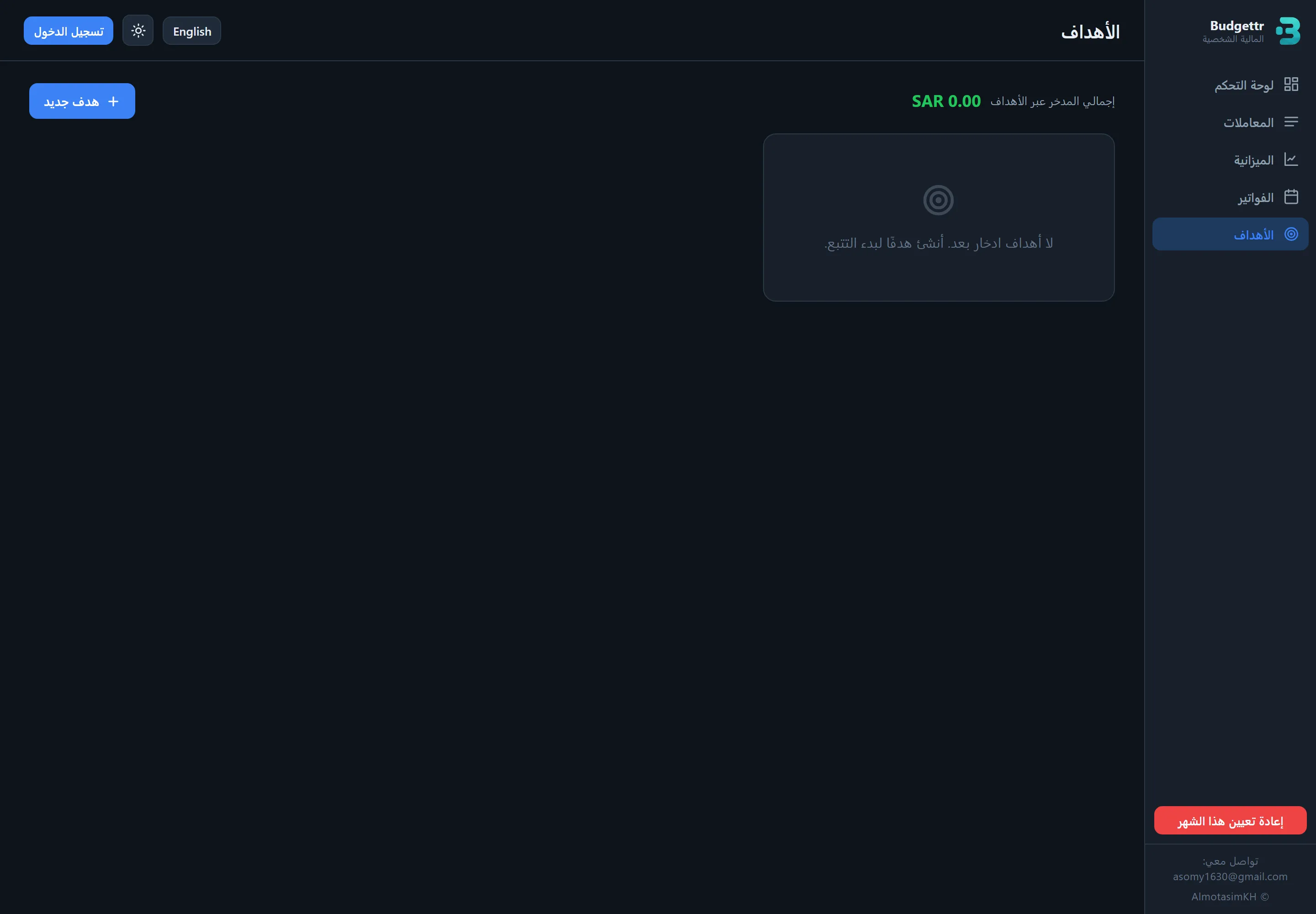
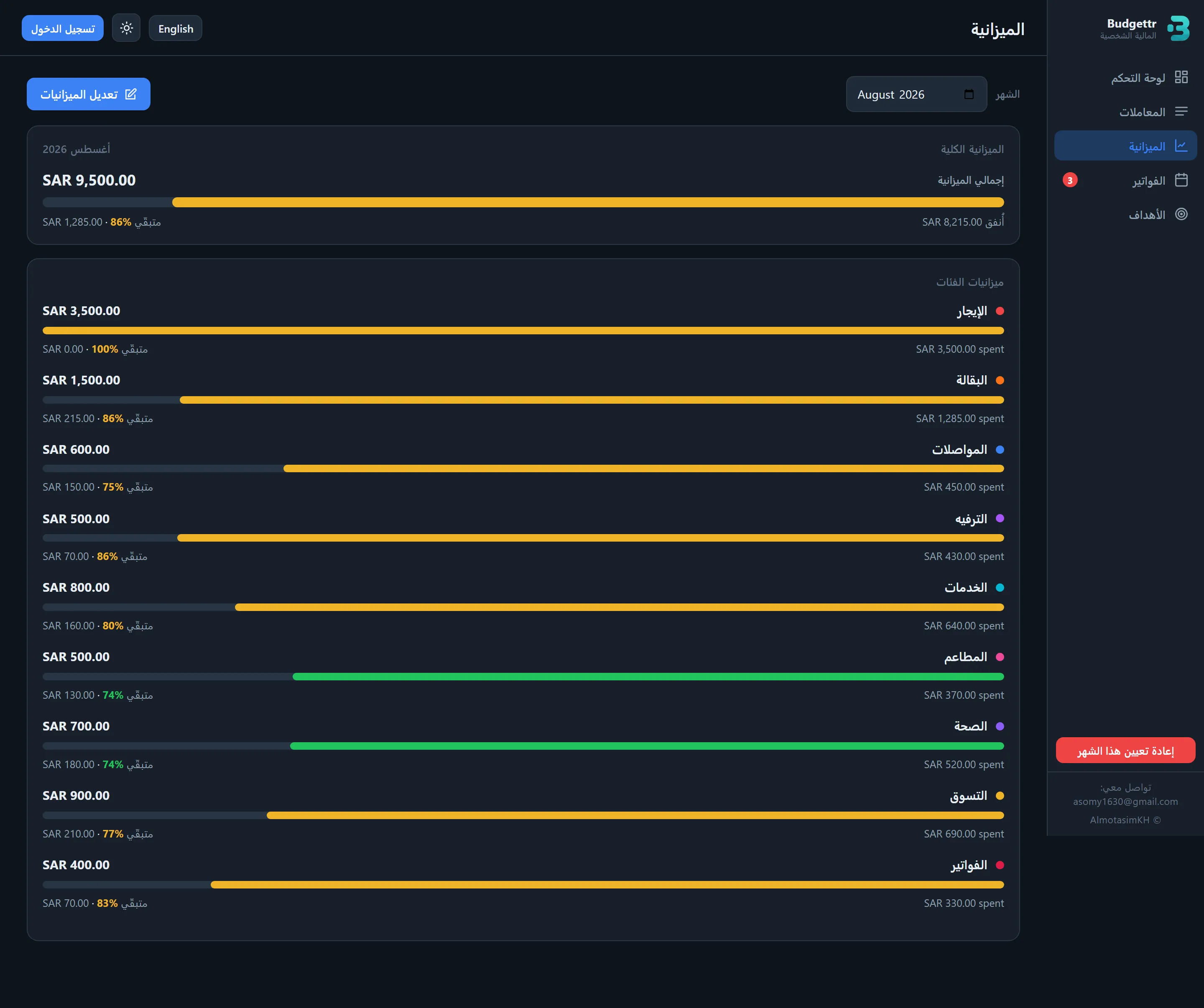
I built it around a monthly cycle, setting income and categories at the start, logging expenses against them, and watching the savings goal update as the month runs. Wrapping an existing app was the alternative I dropped, for the reason above. The first version treated empty screens as an edge case and they read as broken, so every empty state was rebuilt to name the action that fills it and to hold totals at SAR 0.00 instead of going blank.
- Result
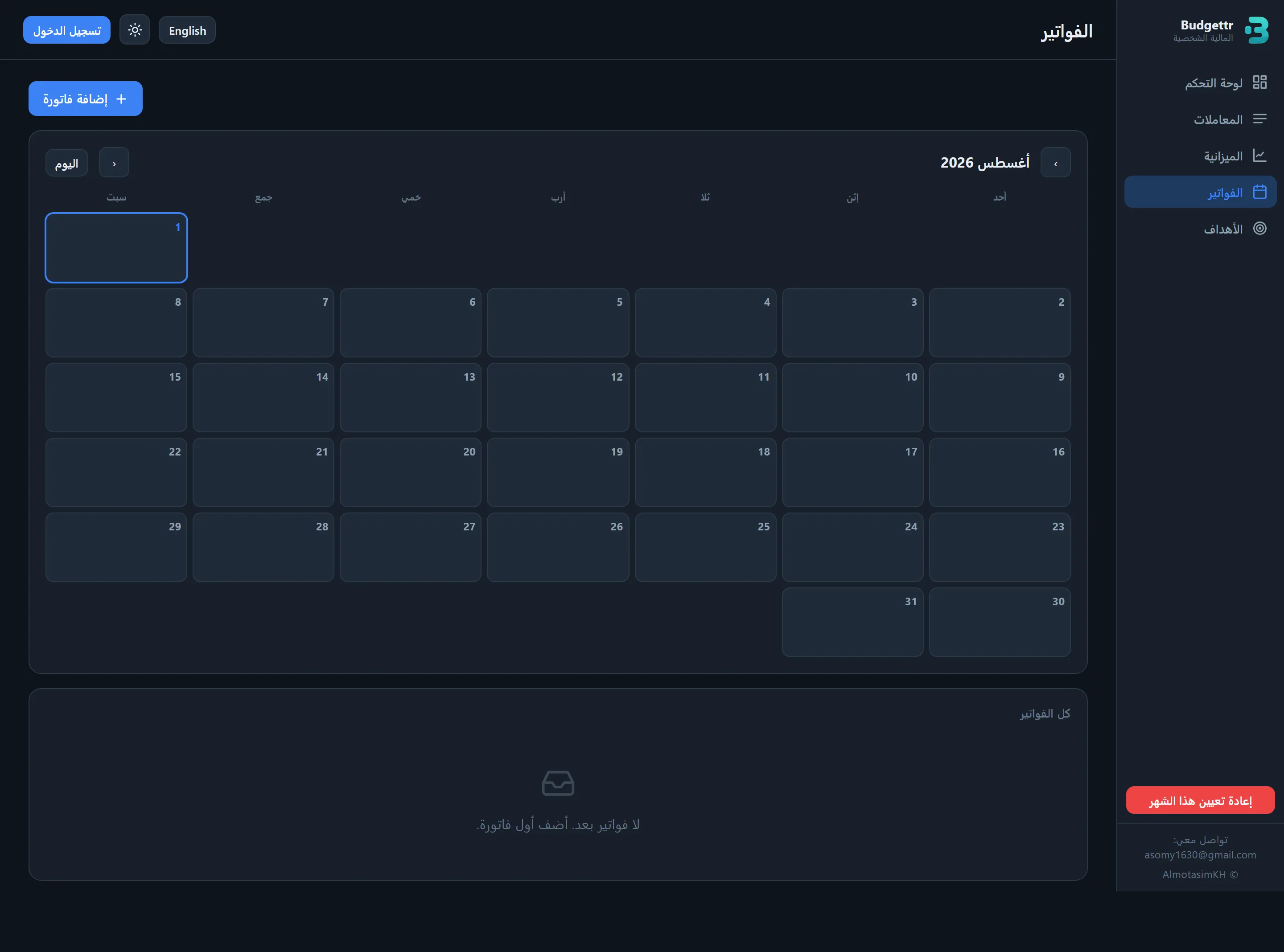
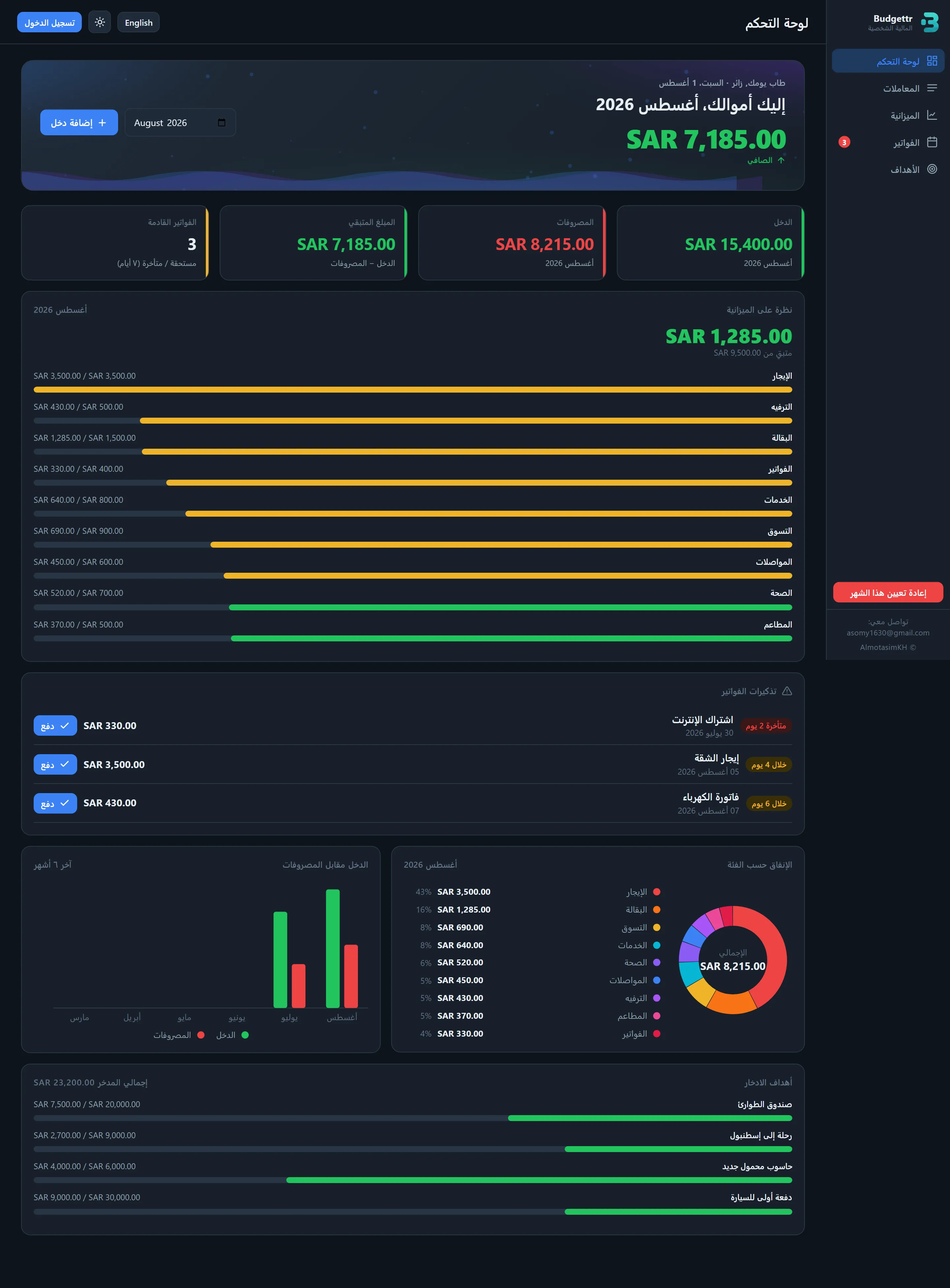
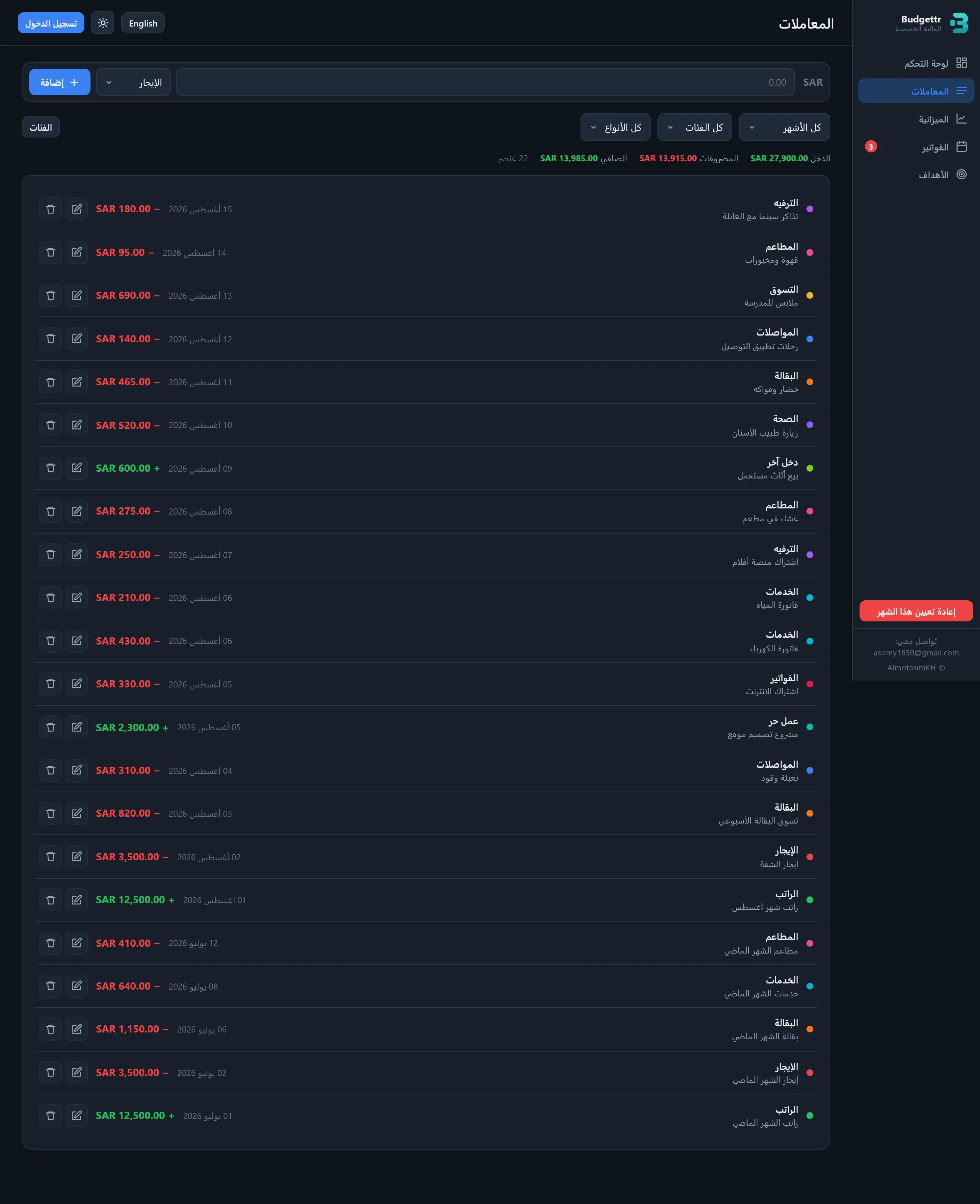
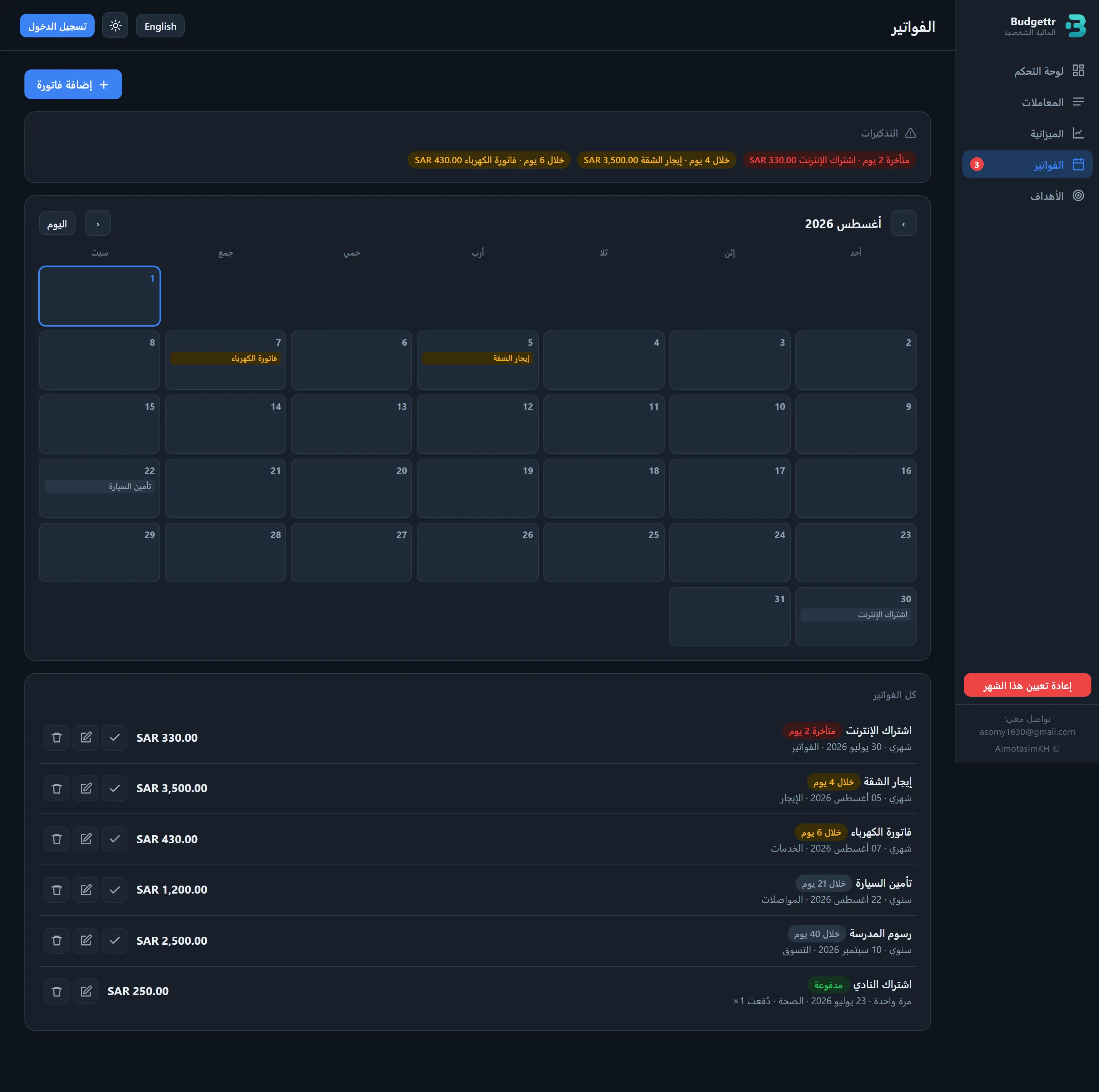
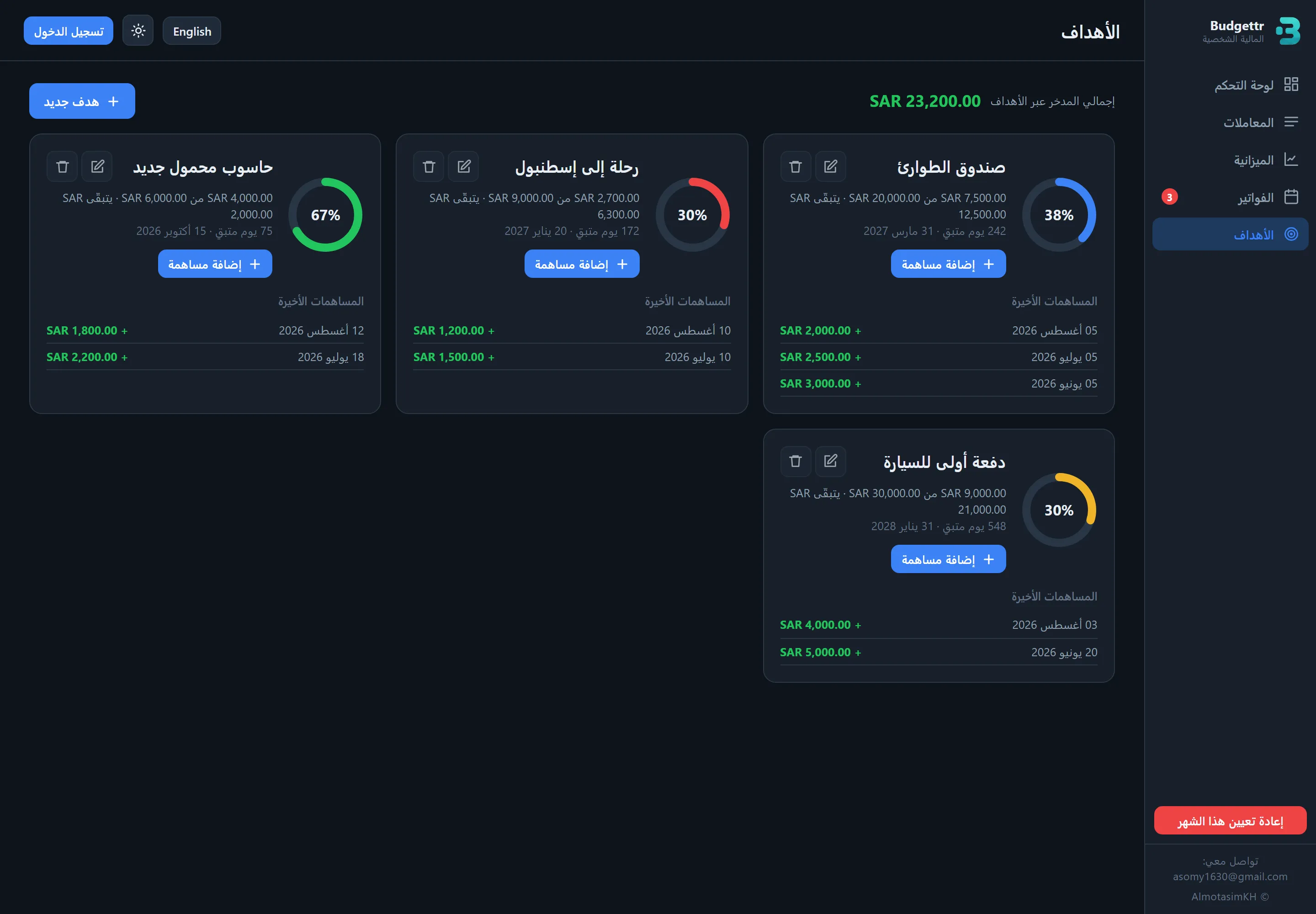
A live dashboard covering income, category budgets, bills and goals in both languages, with dark and light mode. The shots below run in two groups: the app with a month of data in it, then the empty states a new user actually starts from.
- Impact
27 people use it, and it is my own daily tool, which is where the bill reminders and the empty states came from in the first place.
- Takeaway
Using something you build yourself every day surfaces the small annoyances a spec would never catch. What I would change: build the empty states first rather than last, since they are the first screen every new user sees and they were the last thing I designed.
The app with a month of data in it
Empty states, because a new user's first screen has no data in it